How to style the different form elements
Advanced Product Fields for WooCommerce lets you fully style your form fields without writing a single line of code!
Go to to WooCommerce → Settings → Product Fields → Design to control colors, borders, font weights, and more.
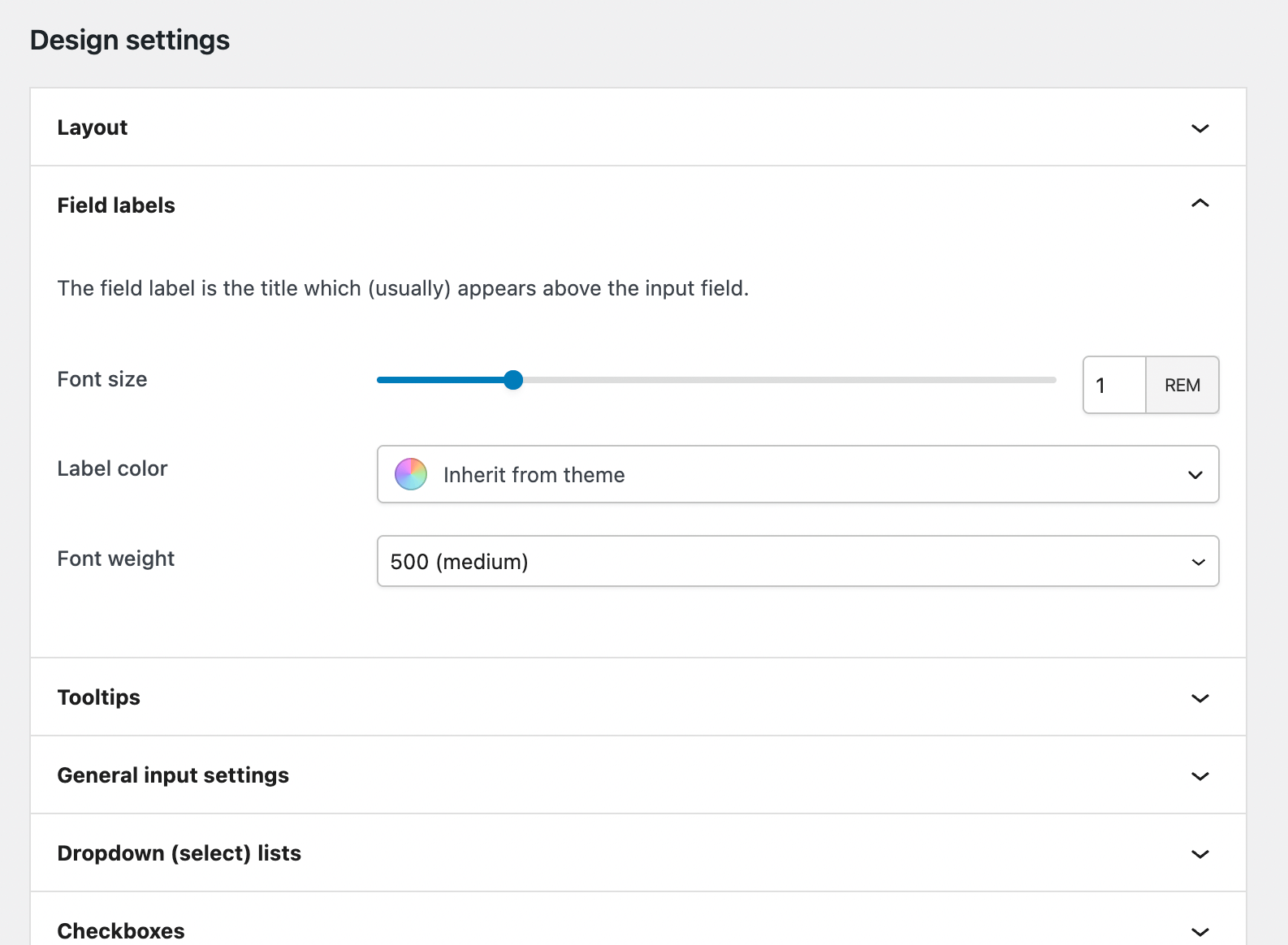
These design settings transform standard browser fields into clean, modern UI elements. Customize checkboxes, radio buttons, select fields, and more to match your store’s design.
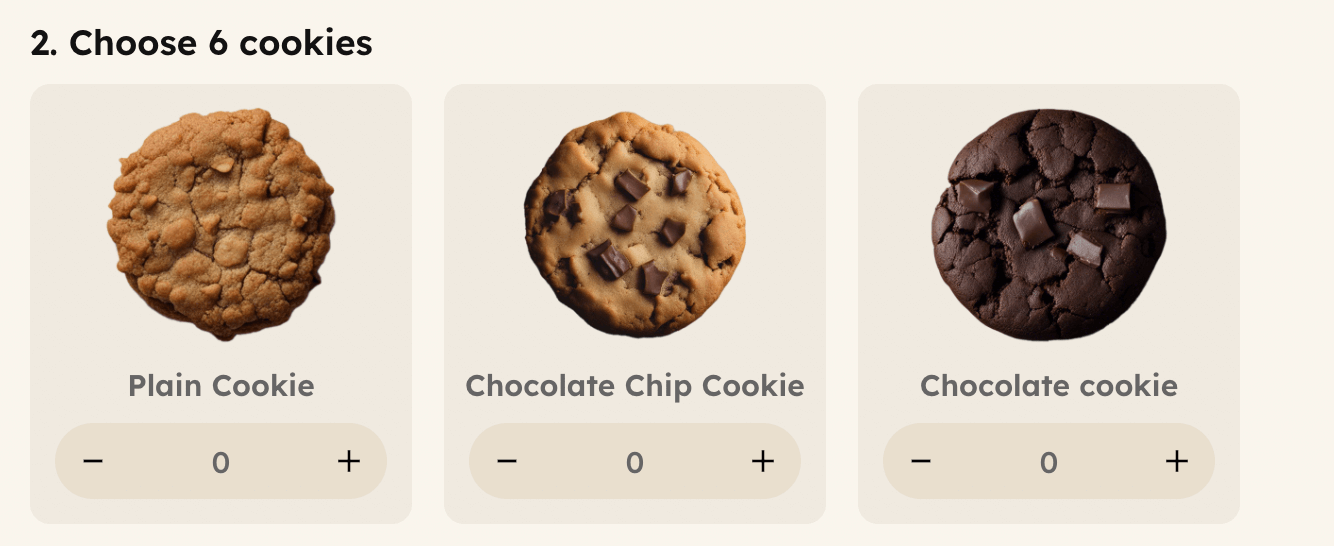
You can even turn number fields into quantity selectors with plus/minus buttons, giving customers a more intuitive experience:
Important notes
- If you don’t want to spend time refining each setting, you can use our pre-defined default theme. Just click Save Changes at the bottom without making any changes!
- It’s possible that your theme already includes styling (or settings) for form elements. In that case, you can ignore our plugin’s style settings and let your theme handle it!
- If you’d like to style something that isn’t covered by the Design settings, you can do so using custom CSS. Keep in mind that our HTML structure may change between updates, which could require small adjustments to your custom CSS.