WooCommerce Product Tables

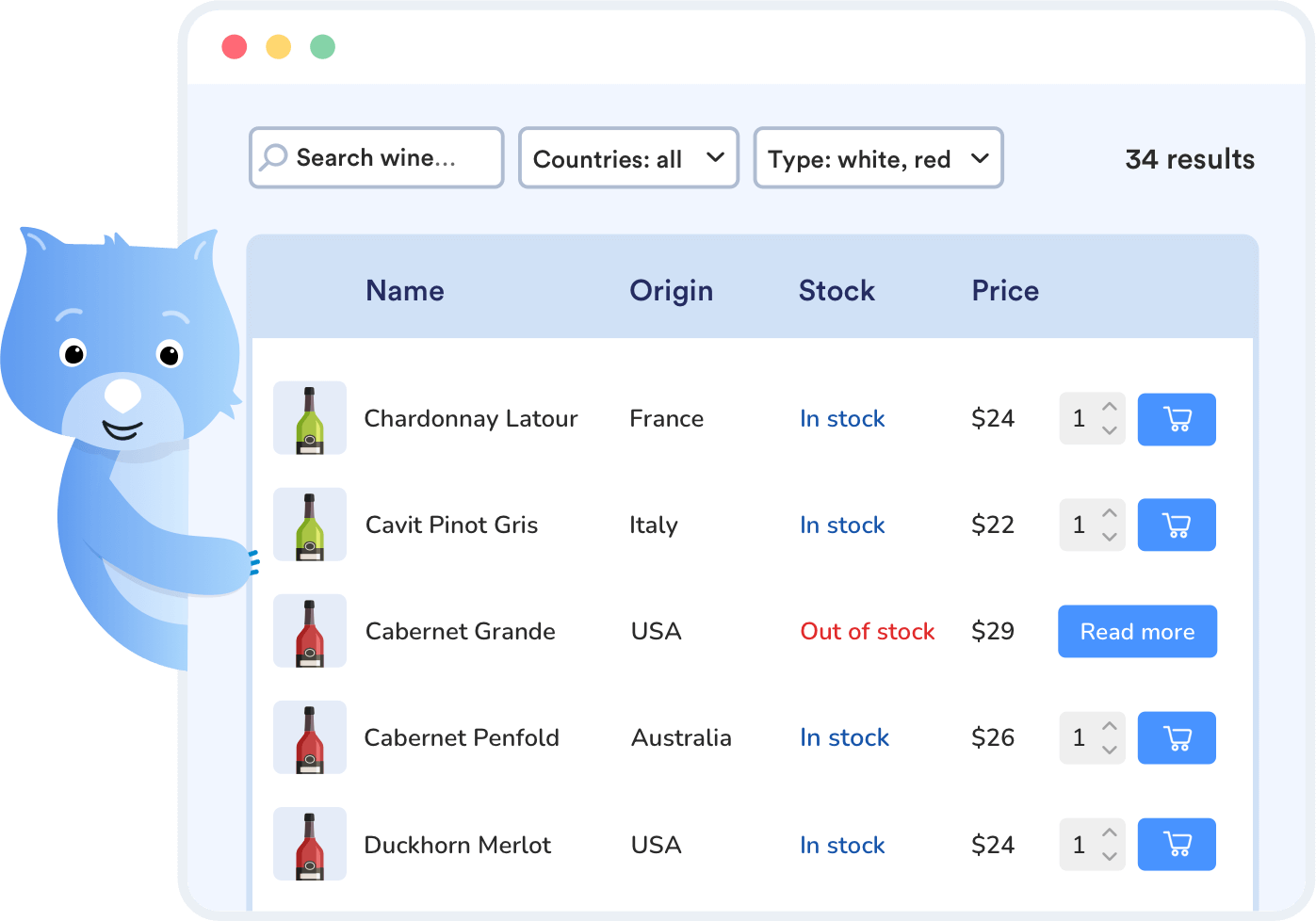
WooCommerce Product Tables is a WooCommerce plugin that allows you to showcase products in a customizable table that makes browsing, filtering, and buying easy, even with large catalogs.

WooCommerce Product Tables main illustration
WooCommerce Product Tables - Table Builder

Build a custom WooCommerce product table for your store

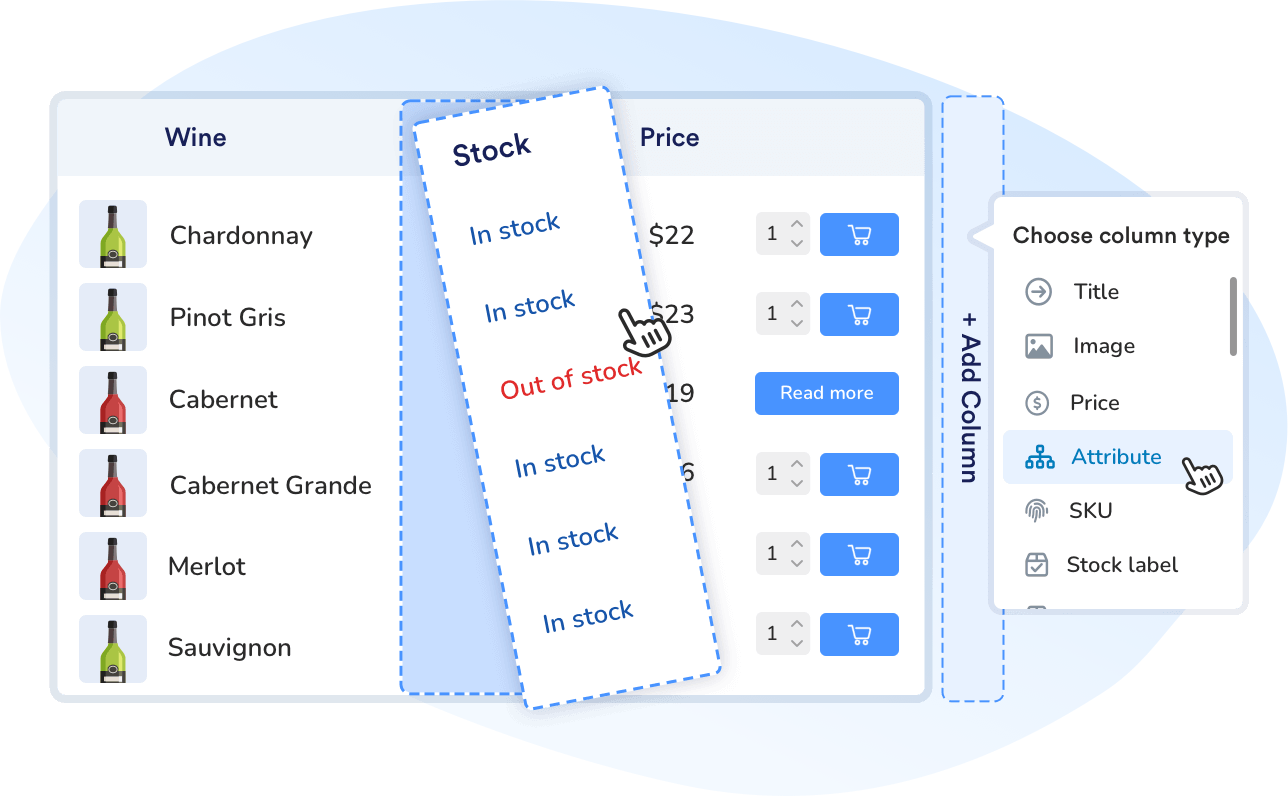
  • Create a WooCommerce product table for your WordPress site, with a drag-and-drop builder.
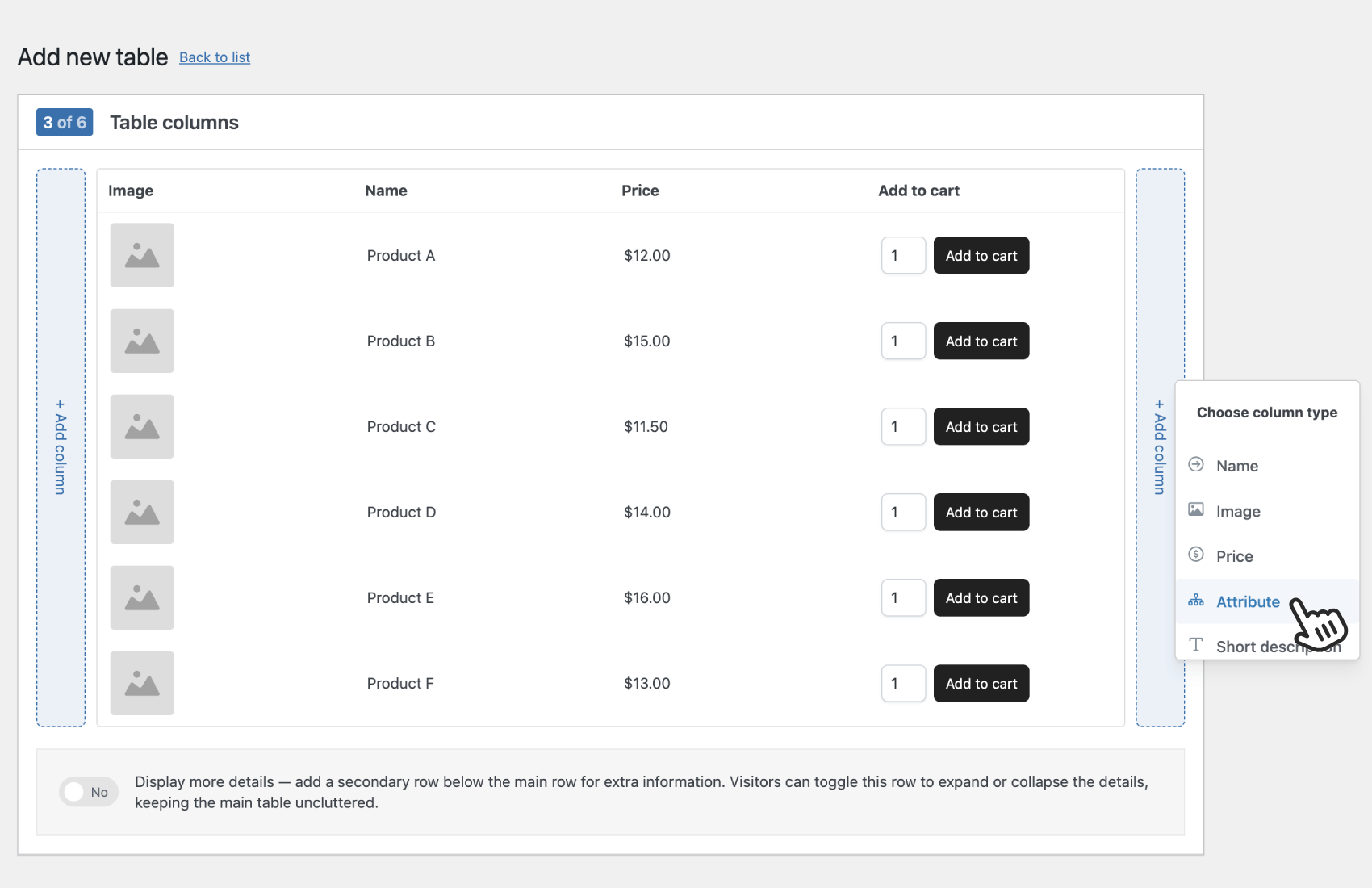
  • Choose exactly which product data to show in your table columns, including product images, thumbnails, titles, prices, stock levels, SKUs, product attributes, tags, taxonomies, and custom field data such as ACF (Advanced Custom Fields).
  • Reorder table columns to control how information is displayed, scanned, and sorted on the front end of your WooCommerce store.
  • Save different table layouts as templates you can duplicate for different product lists, archive pages, or customer types.
  • Rely on fast, optimized queries so each WooCommerce product table stays responsive, even with thousands of products in your ecommerce store.
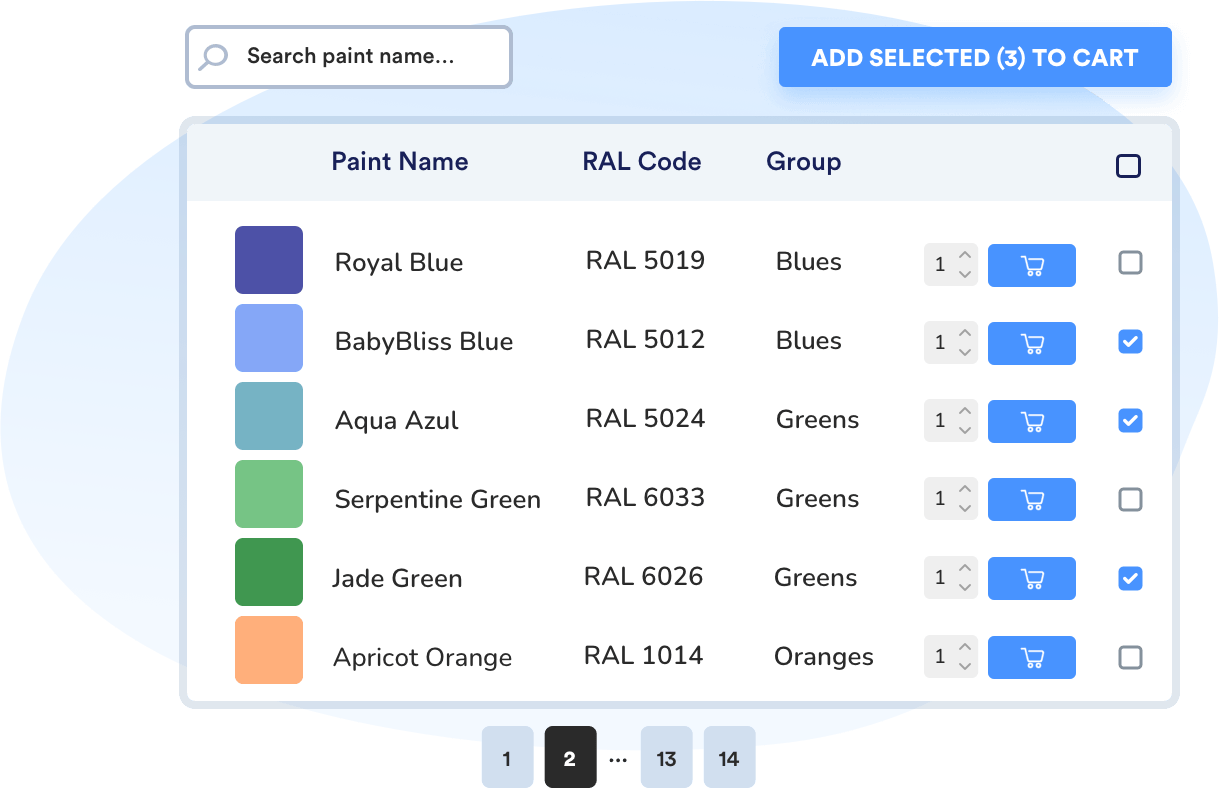
Help your customers find products faster

  • Turn long product lists into structured, scannable WooCommerce product tables that are more user-friendly than a standard shop page.
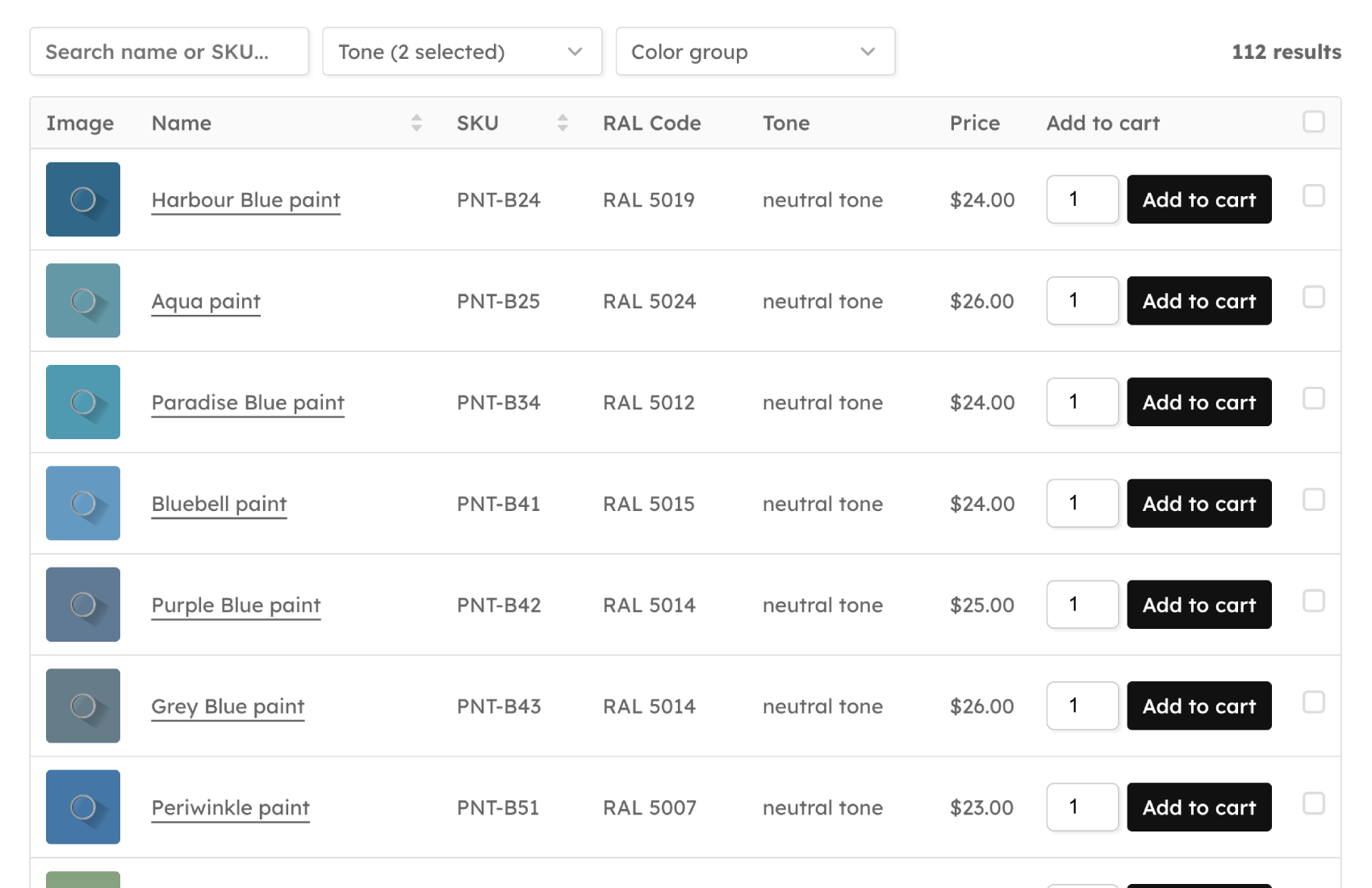
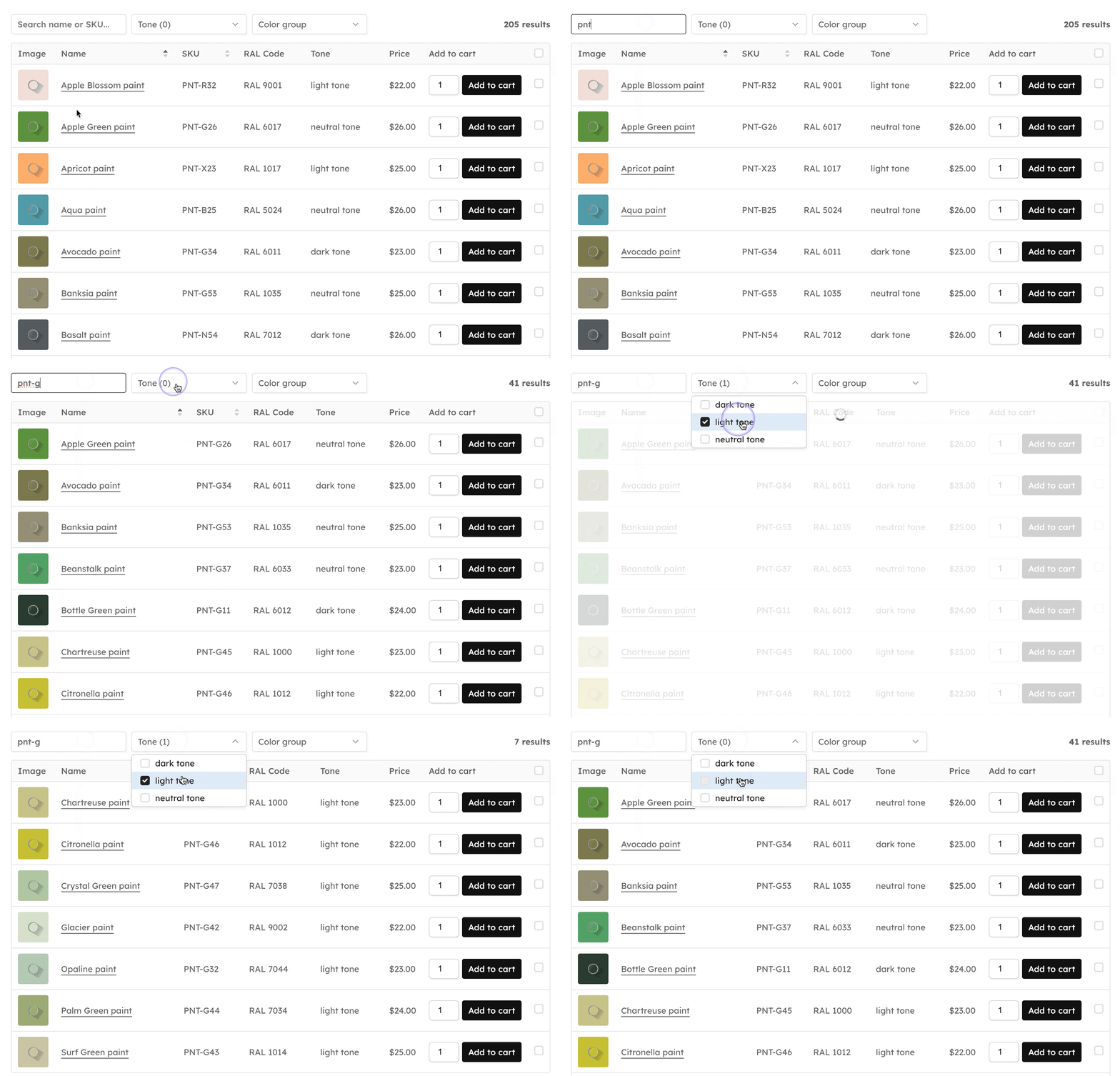
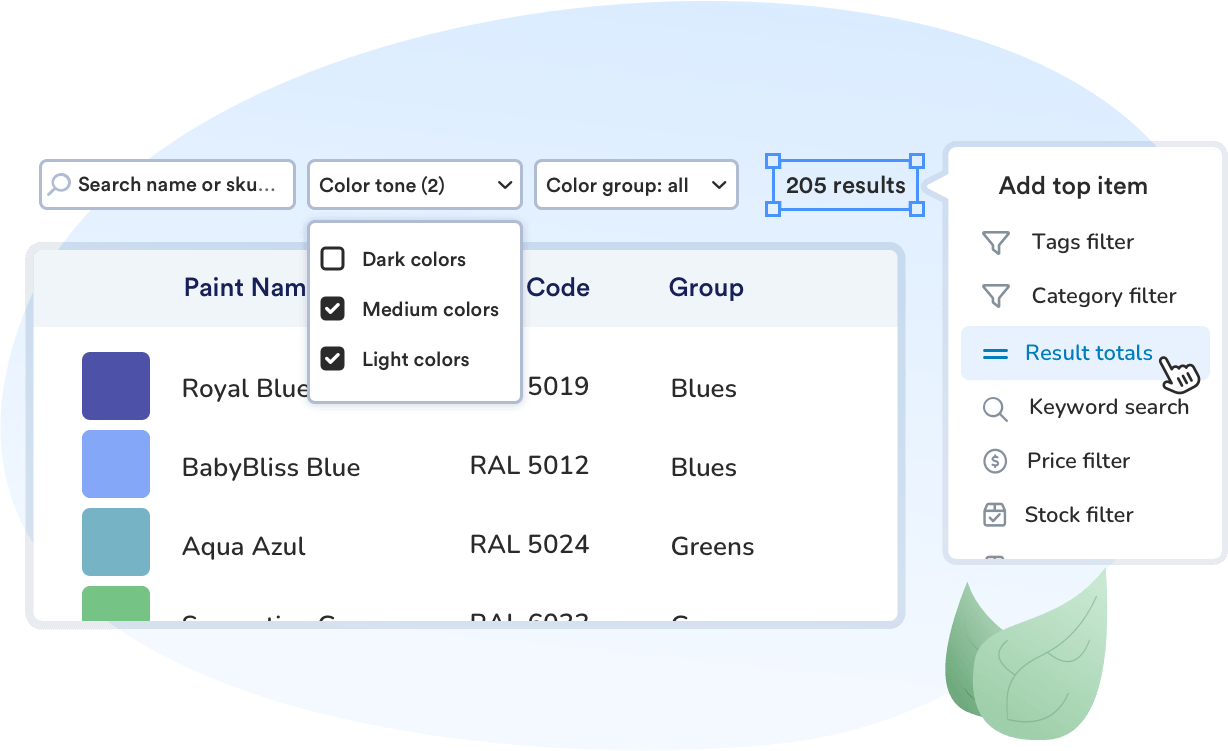
  • Add instant search so customers can run product searches by name, SKU, or other key product data without reloading the page.
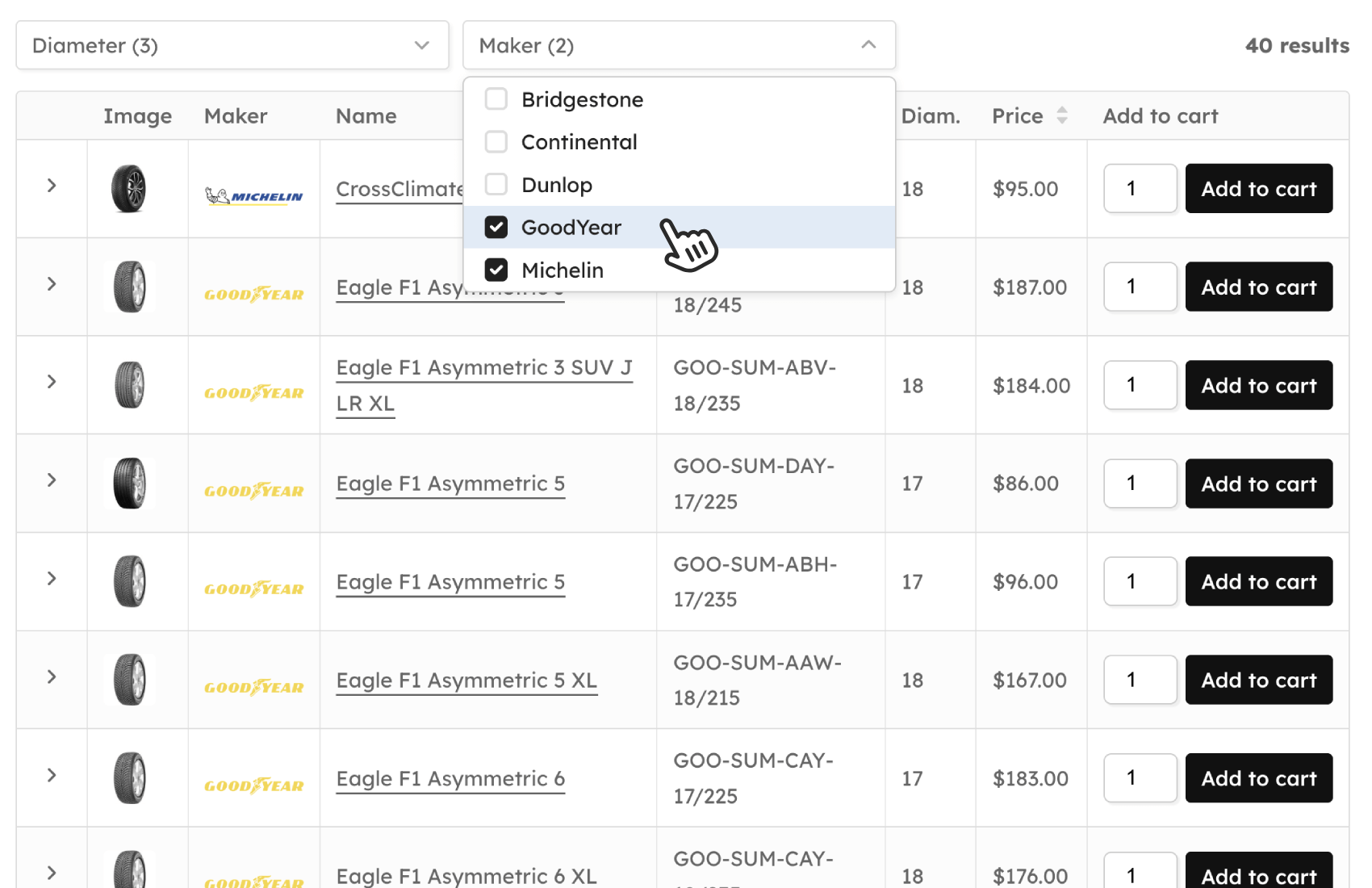
  • Build dropdown filters and attribute filters for categories, tags, custom taxonomy terms, price ranges, and stock status to help customers filter products in a couple of clicks.
  • Combine multiple filtering options, search boxes, and table header elements so visitors can quickly display products that match their needs.
Add search & filters to your WooCommerce product table

Speed up bulk and repeat ordering

  • Let customers add multiple products and product variations to the cart from a single WooCommerce product table instead of visiting each single product page.
  • Show quantity fields, checkboxes, and an add to cart button directly inside the table so shoppers can build large orders in one view.
  • Use your table as a product list for wholesalers, restaurant menu ordering, and B2B order forms.

Product tables that match your brand

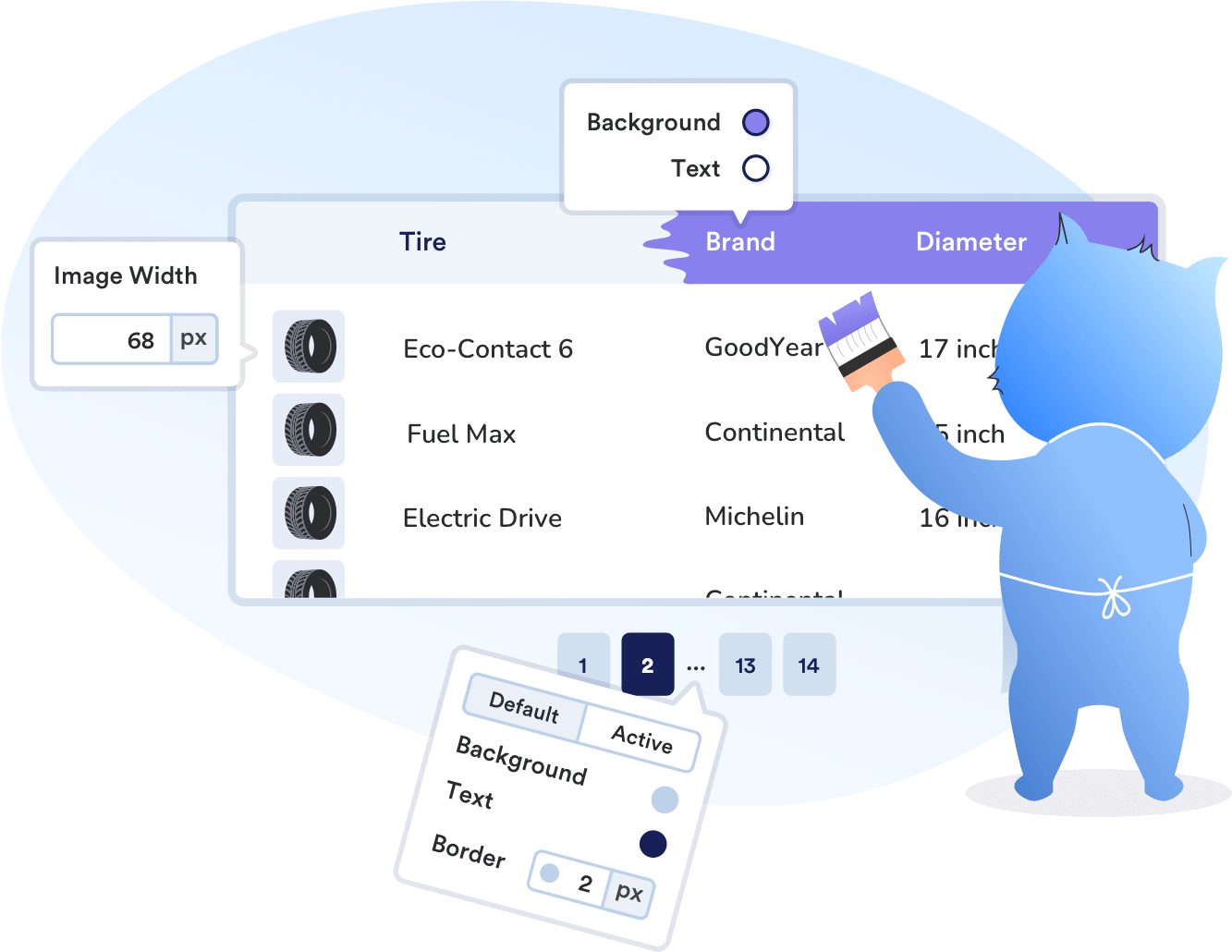
  • Style each WooCommerce product table so it blends with your store’s existing design and improves the overall user experience.
  • Adjust table styles such as background and border colors, fonts and text sizes, column spacing and padding, button styles and alignment, plus image radius for product image cells.
  • Create a professional table layout that looks clean across desktop, tablet, and mobile views.
woocommerce product tables design settings

WooCommerce Product Tables features

Visual table builder
Create each product table with a guided drag-and-drop builder, choosing table columns, content, and table layout step by step. Making it easy for store owners to design tables that match how their customers browse, sort, and buy.
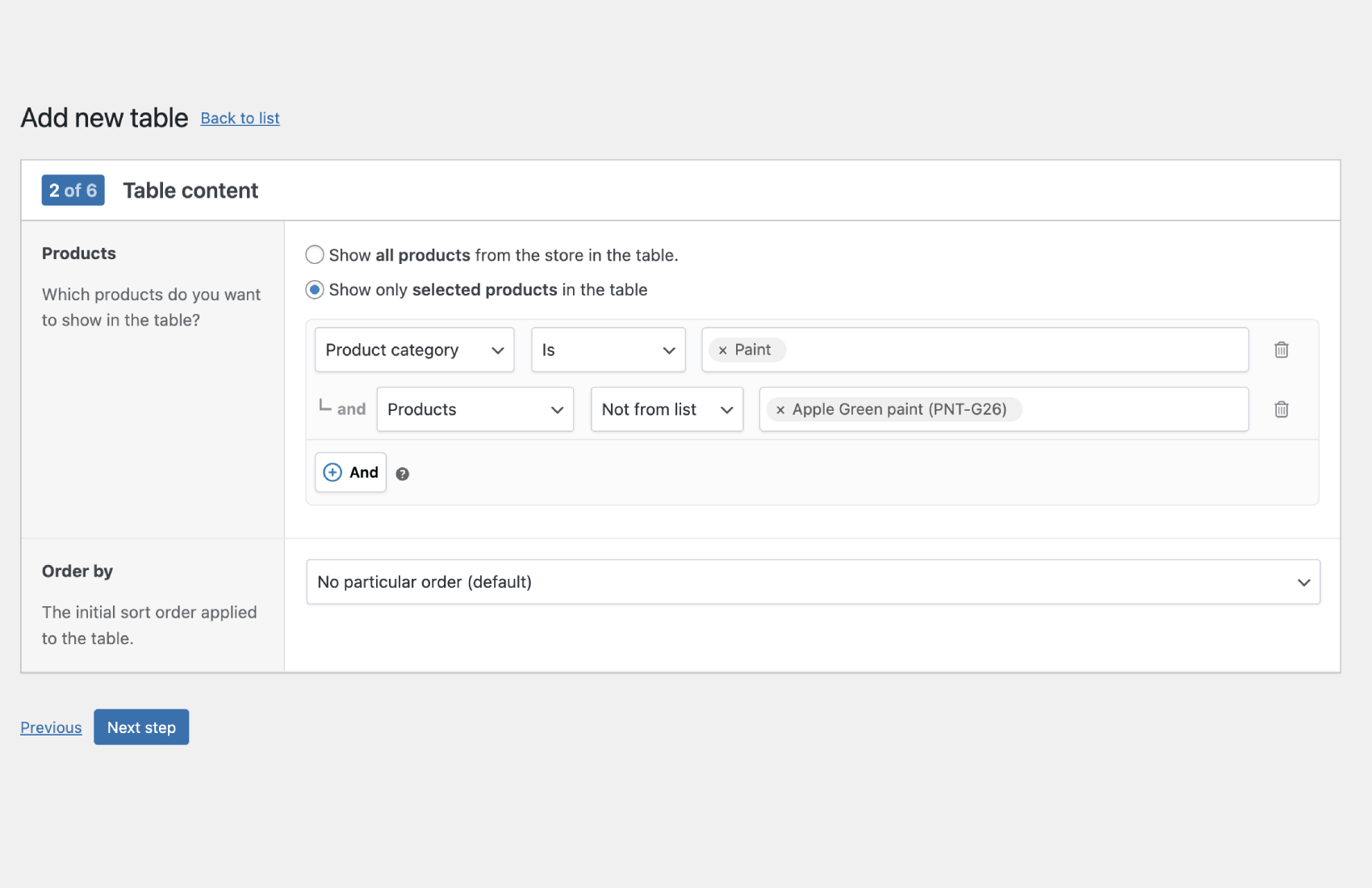
Choose exactly which products to list
Choose whether a table shows all products or only a filtered selection based on product categories, tags, product types, taxonomies, stock status, and more. This lets you build focused WooCommerce product tables for wholesale ranges, seasonal items, or different product lists for specific audiences.
Powerful search & filter options
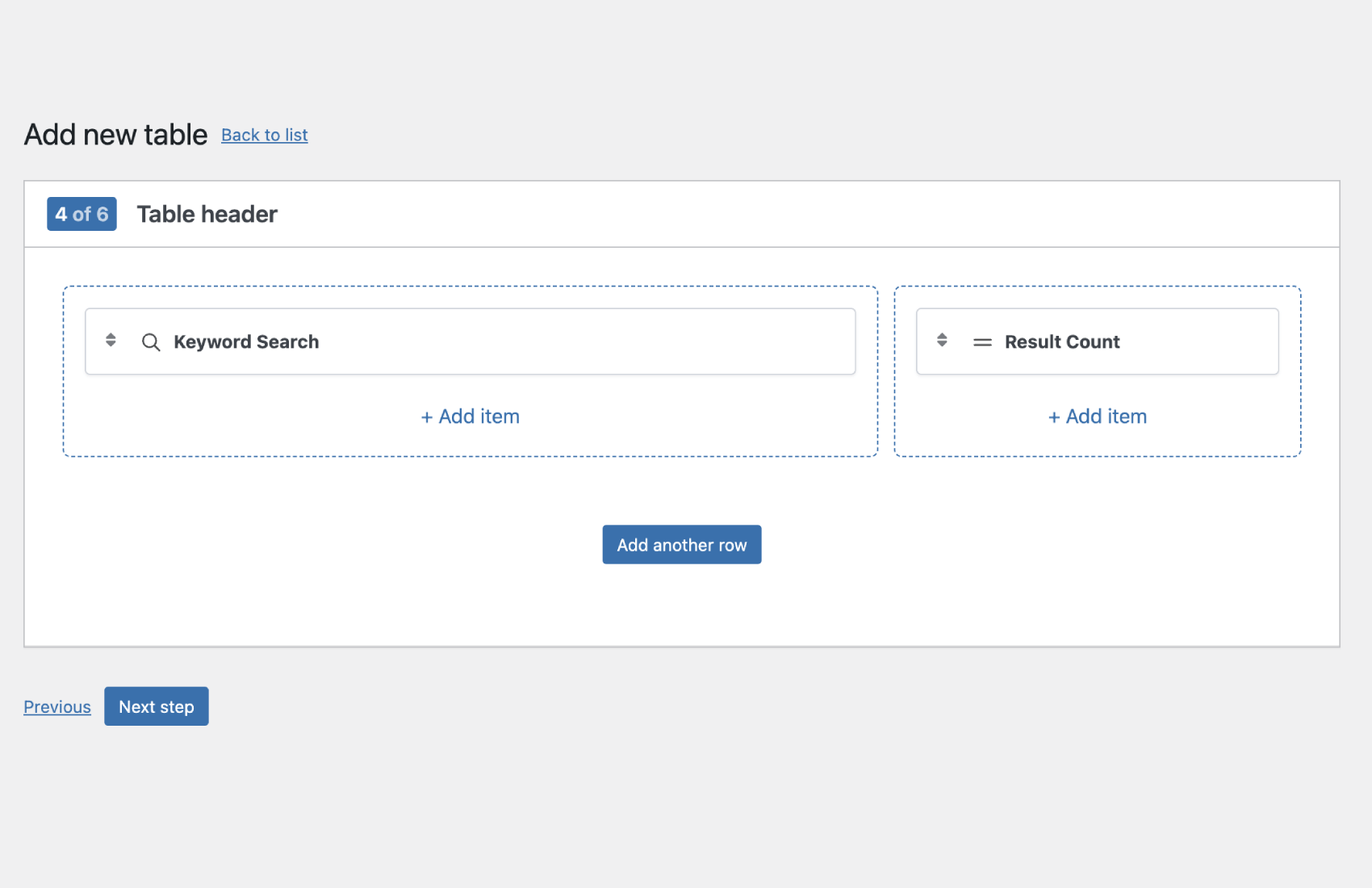
Add keyword search and filter controls so customers can quickly narrow down large, sortable product lists. Visitors can run product search by name or SKU and filter products by categories, tags, attributes, brands, price, or stock status in a single table view.
Flexible variation handling
Display variable products in a way that best suits your store, either as separate rows, a pop-up, dropdown lists, and more. This makes it easy for customers to select product variations like size, color, or material.
Expandable details rows
Add an optional expandable ‘details’ row below each product to show extra table elements and product details like longer descriptions, attributes, tags, stock labels, and more, or additional custom fields.
Custom header layouts
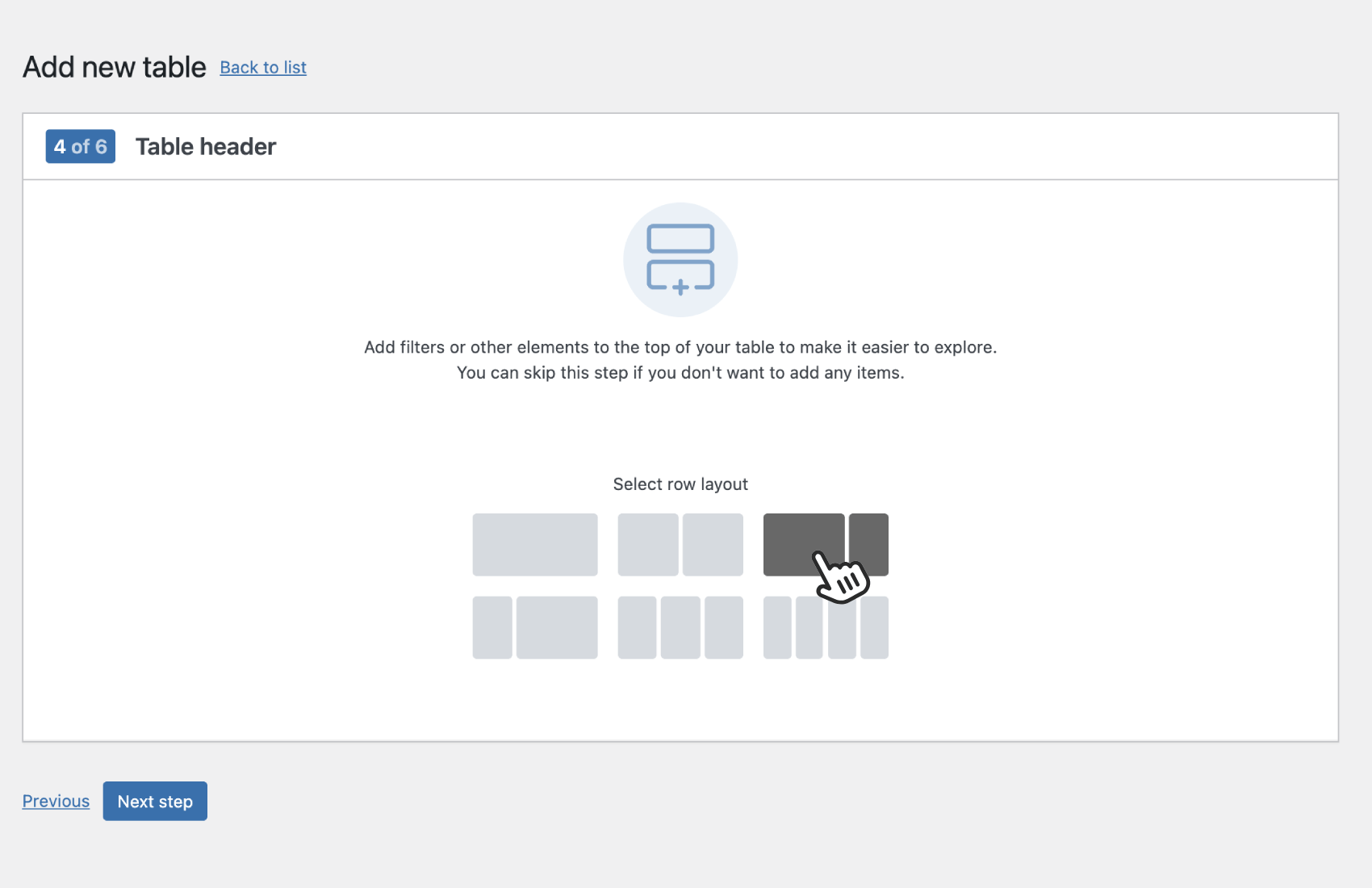
Build custom heading layouts above your table and place search boxes, dropdown filters, result counts, and other controls in a tidy structure. This gives you flexibility over how the table header looks and functions for customers.
Easy add to cart options
Include quantity fields and an add to cart button directly in your table so customers can order without leaving the page. Shoppers can add one or many products and variations in just a few clicks. Ideal for quick ordering and repeat customers.
Design & layout controls
Customize table colors, borders, fonts, spacing, inputs, and checkbox styles so your tables match your brand. The result is a professional WooCommerce table layout that looks consistent with your theme and other WordPress plugins.
Theme & page builder compatible
WooCommerce Product Tables works with your existing WooCommerce theme and popular page builders like Elementor, so tables drop into your existing templates without fuss. This compatibility means you can use shortcodes or blocks to place tables anywhere in your layout.
Super fast performance
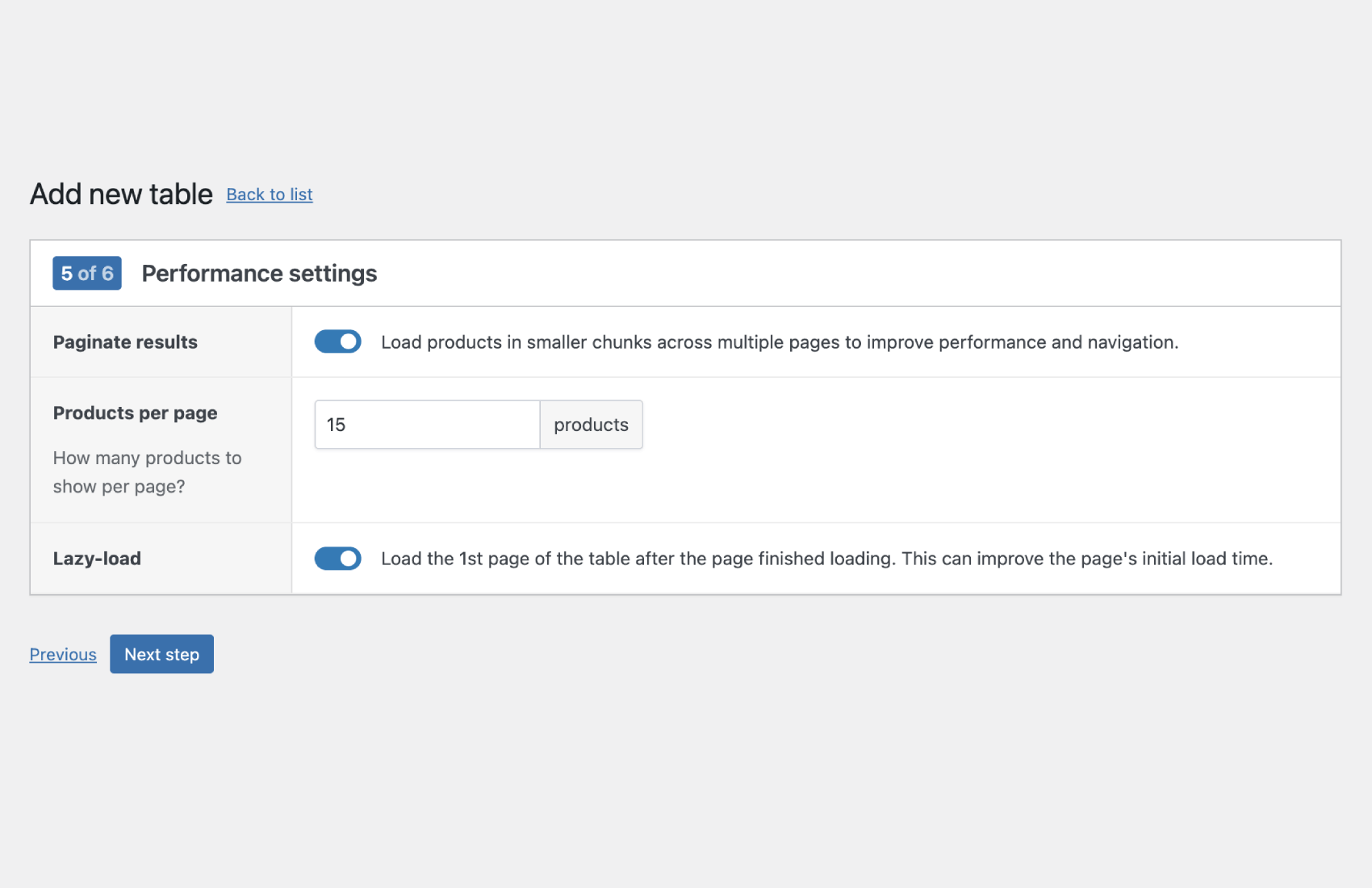
Use built-in performance settings like pagination and lazy loading to keep your WooCommerce product tables fast, even with large catalogs. Optimized queries and AJAX-based loading help ensure searching, filtering, and sorting stay responsive for your customers.
Shortcode and block integration
Add any WooCommerce product table to pages, posts, shop page alternatives, and custom layouts using a shortcode or block. This makes it simple to embed tables in landing pages, product category pages, or even custom templates built with your page builder.
Product tables for any use cases
Combine filters, custom columns, and quick ordering to support restaurant menu tables, wholesale order forms, large catalog views, and re-order pages. Each WooCommerce product table can be tailored to the way different customer groups prefer to browse and buy.
Lightweight and modern
The plugin is built with lightweight, modern code, so it adds minimal overhead to your store. Small frontend scripts help keep your WooCommerce product tables fast, user-friendly, and compatible with your existing WordPress setup.

Choose your license

Billed annually until canceled.
Easily cancel anytime from your account.
Plugin license
  • **
  • 1 year updates & support
  • Unlimited product tables
  • Fast product queries
  • Easy to use table builder
  • Easily style your tables
Buy plugin
Yearly subscription, cancel anytime.
Save 65%
Bundle Deal
  • 249 **
    14 Woo plugins, 1 low price!
  • 14 WooCommerce plugins
  • All future plugins for free
  • Priority support & updates
Backed by a 14-day refund policy

If our plugin doesn’t work as promised, you’re backed by our 14-day refund policy to request your money back. Read about our policy here.

Version 1.0.2
Last updated 5 months ago
Changelog View changelog
WordPress 6.5+
WooCommerce 9.0+
PHP 8.0+
FAQ icon

WooCommerce Product Tables FAQ

How does WooCommerce Product Tables work?

Step 1: Build your table

First, you need to build your new table in the WordPress backend. WooCommerce Product Tables comes with an intuitive table wizard that walks you through every step:

  • Add columns: display any product data you want.
  • Search & filters (optional): define filters so customers can quickly find the right products.
  • Settings: set pagination, performance options, and more.

Step 2: Add the table to your site

Once your table is ready, you can place it anywhere on your site. WooCommerce Product Tables works with both Gutenberg blocks and shortcodes, so adding tables to posts, pages, or custom layouts is straightforward.

Step 3 (optional): Design the table

WooCommerce Product Tables includes easy-to-use settings to match your brand. You can customize colors, borders, padding, and more!

How many tables can I add?

There’s no limit to how many tables you can create. Each table can display your entire product catalog or just a specific selection of products (by product ID, tag, category, stock, type, attribute, and more).

Can I customize which product information is displayed in the table?

Yes, the plugin allows you to choose which product details appear in the table, such as image, title, price, description, ACF fields, attributes, and more.

What types of products can be displayed in the product table?

WooCommerce Product Tables supports all product types available in WooCommerce, including simple products, variable products, grouped products, and external/affiliate products. You can also list others, like subscriptions.

While other table plugins don’t work correctly with variation products, WooCommerce Product Tables gets the job done!

Will it work with my theme or page builder?

Yes, WooCommerce Product Tables works with any theme or any page builder. We use shortcodes and blocks, which are compatible with all themes.

Does it work in my language?

The backend of WooCommerce Product Tables is created in English but is fully translation-ready. By using the standard translation techniques offered by WordPress or plugins like WPML, you can translate the plugin into any language.

What are the minimum requirements to run the plugin?

The WooCommerce Product Tables plugin is fully tested with the latest versions of WordPress and WooCommerce. If you’re not running the latest versions, you need at least these requirements:

  • PHP 8.0+
  • WordPress 6.5+
  • WooCommerce 9.0+
Still have questions?

Can’t find an answer to your question? Search our knowledge base or get in touch via the contact page.